01 · ASK
Ask in plain language
Describe what you need. The agent investigates the workspace and finds the files relevant to the task.
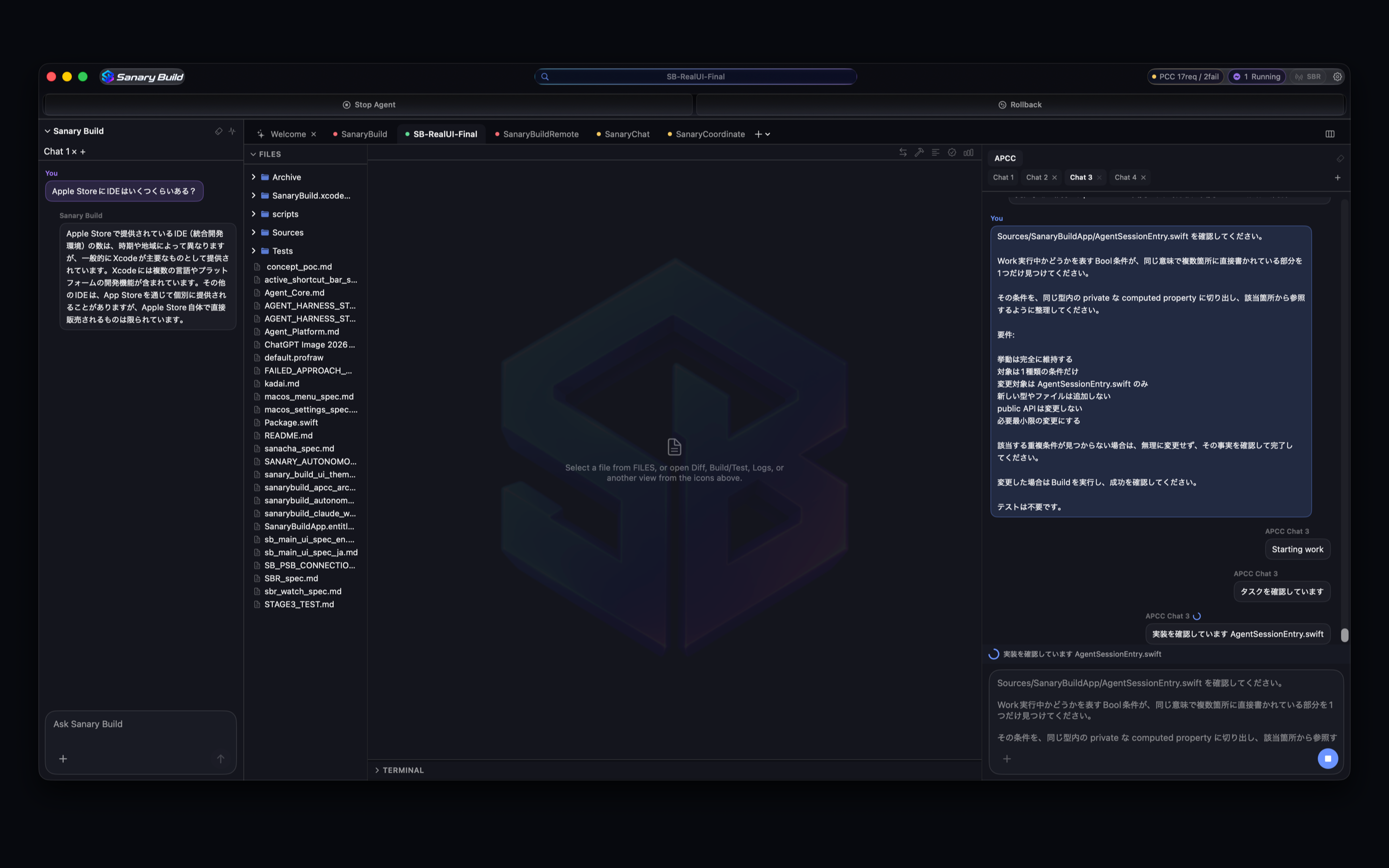
SANARY BUILD · SB - PARALLEL IDE
Line up multiple projects and delegate work to an AI agent in each. Sanary Build is a Parallel IDE for macOS, designed around investigation, editing, and review.
The App Store link will be enabled when the product page is live.
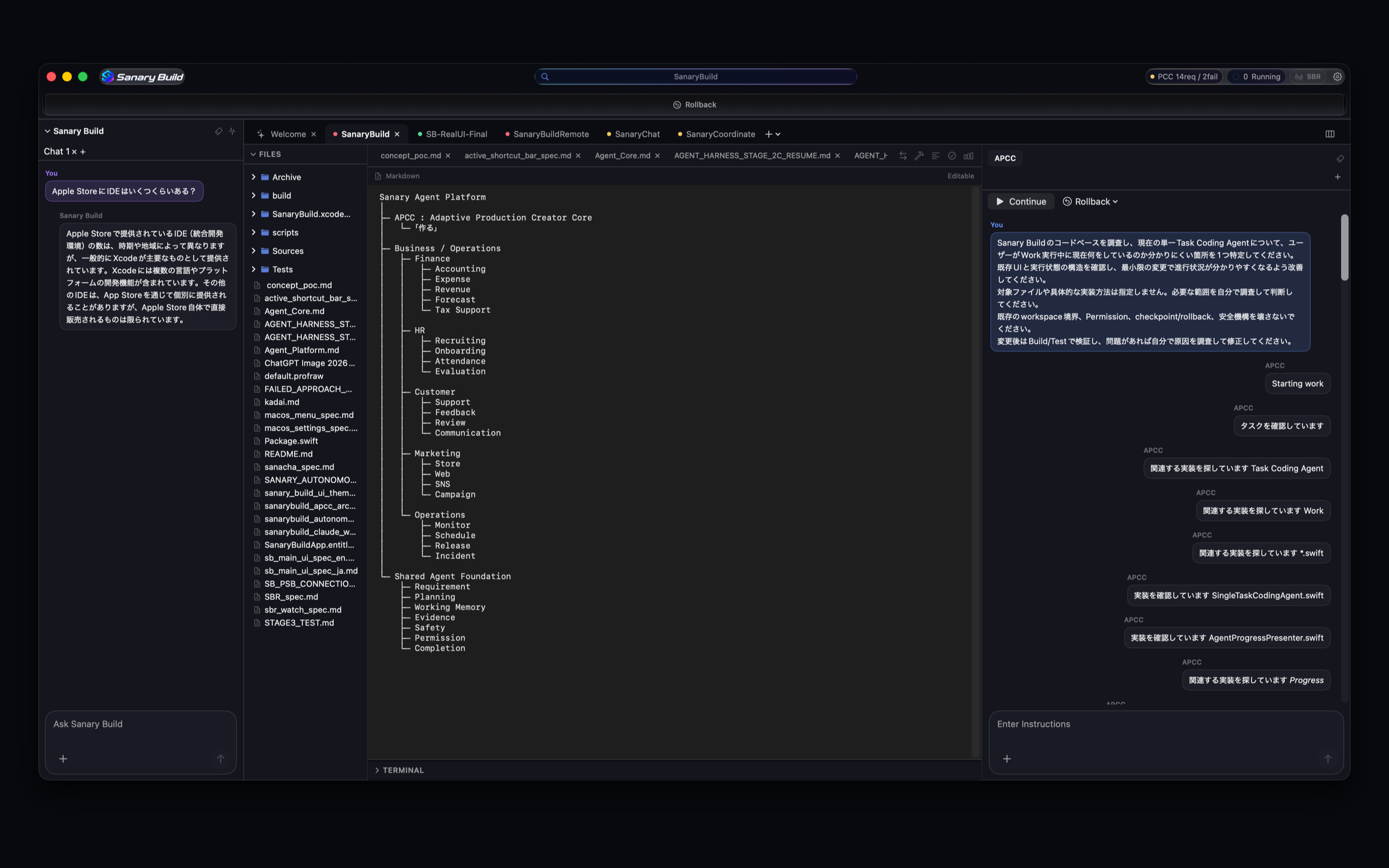
PARALLEL IDE
While an AI agent investigates one workspace, move another project forward. Each project stays independent, so you can arrange parallel work and step in only when your judgment is needed.
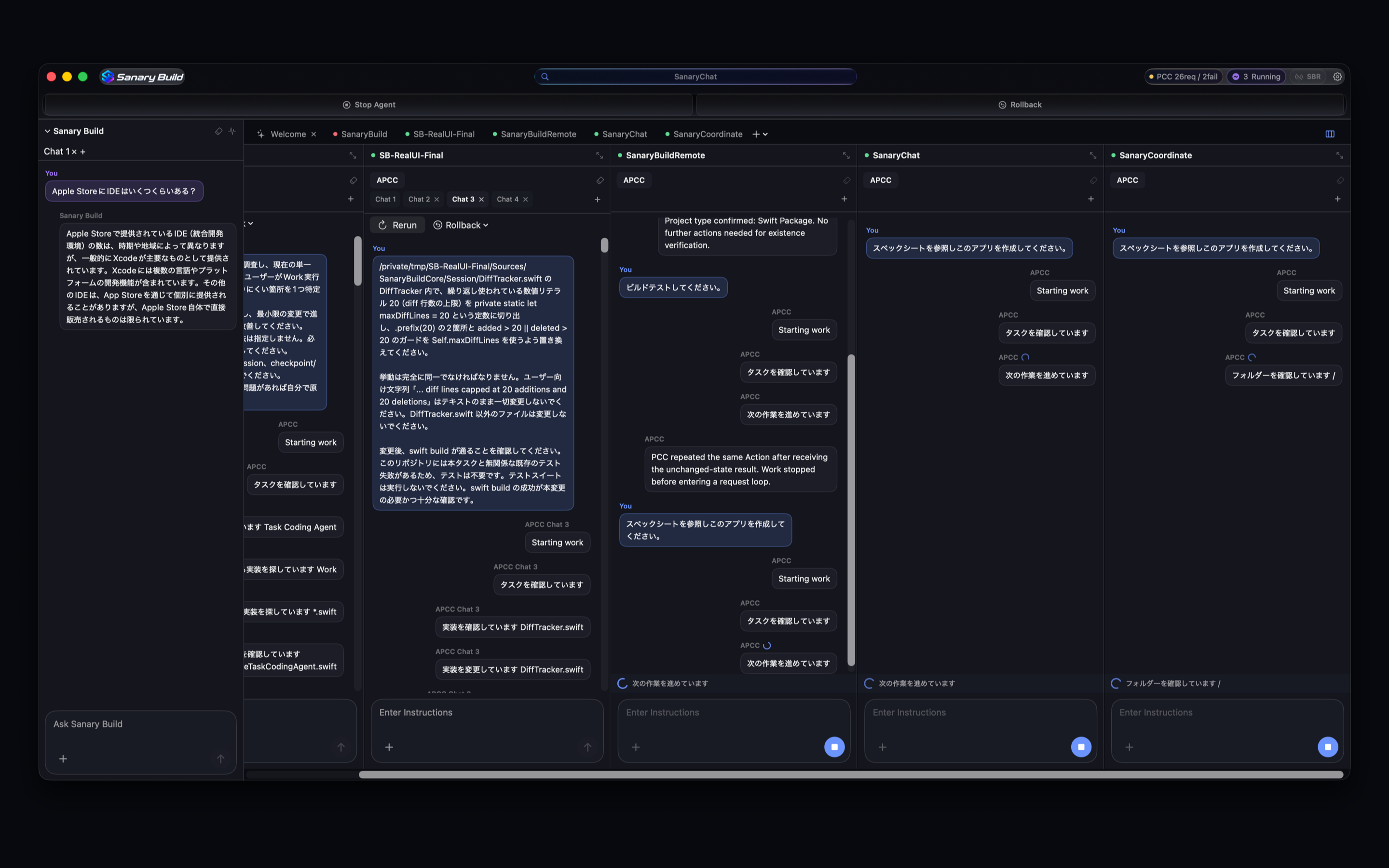
WORKFLOW
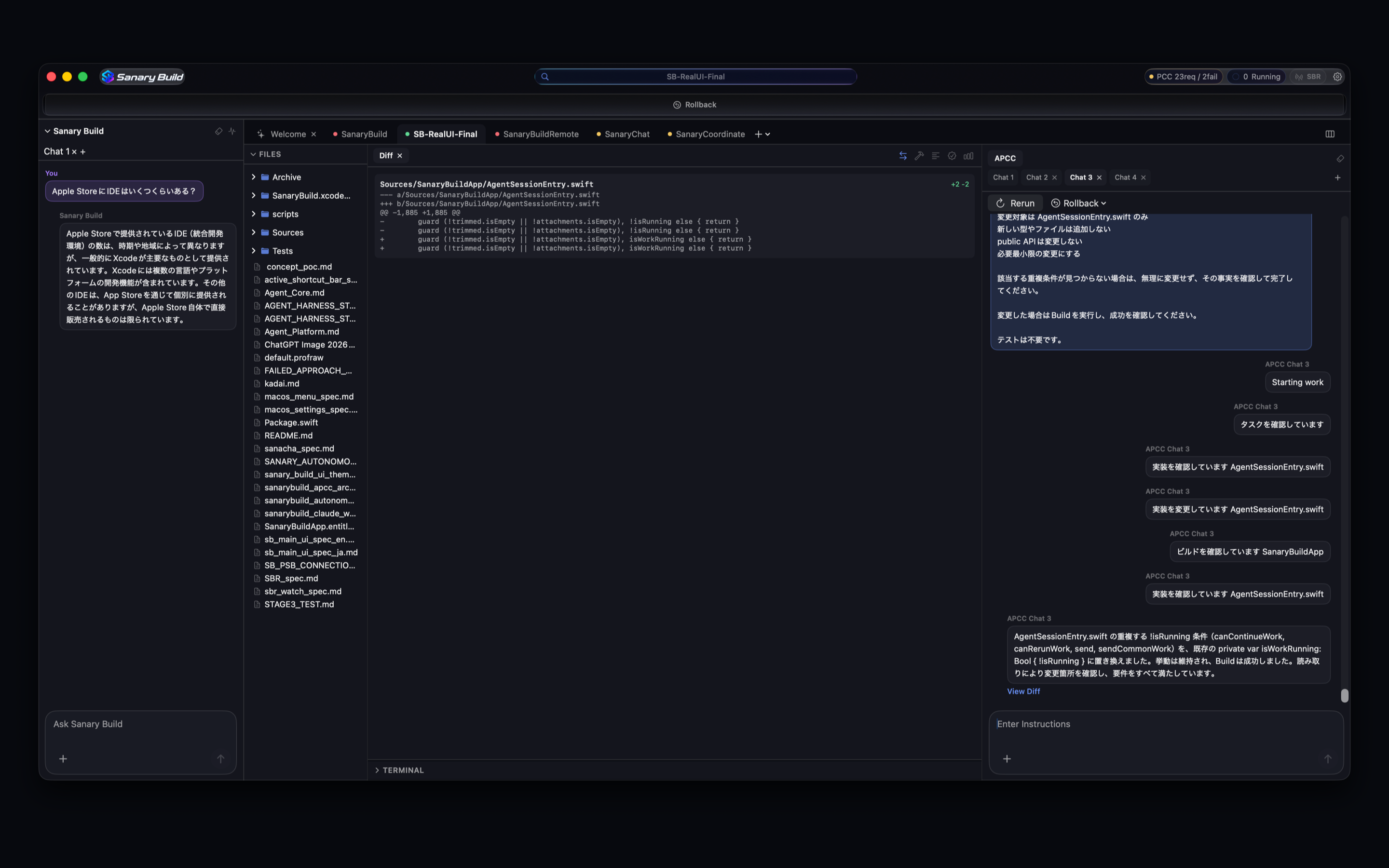
Describe the task in plain language, follow APCC as it works, and review the result in a diff. When a decision needs you, the agent pauses and asks instead of guessing.
Describe what you need. The agent investigates the workspace and finds the files relevant to the task.
APCC investigates and edits the necessary files. If it needs your judgment, it pauses and waits for your answer.
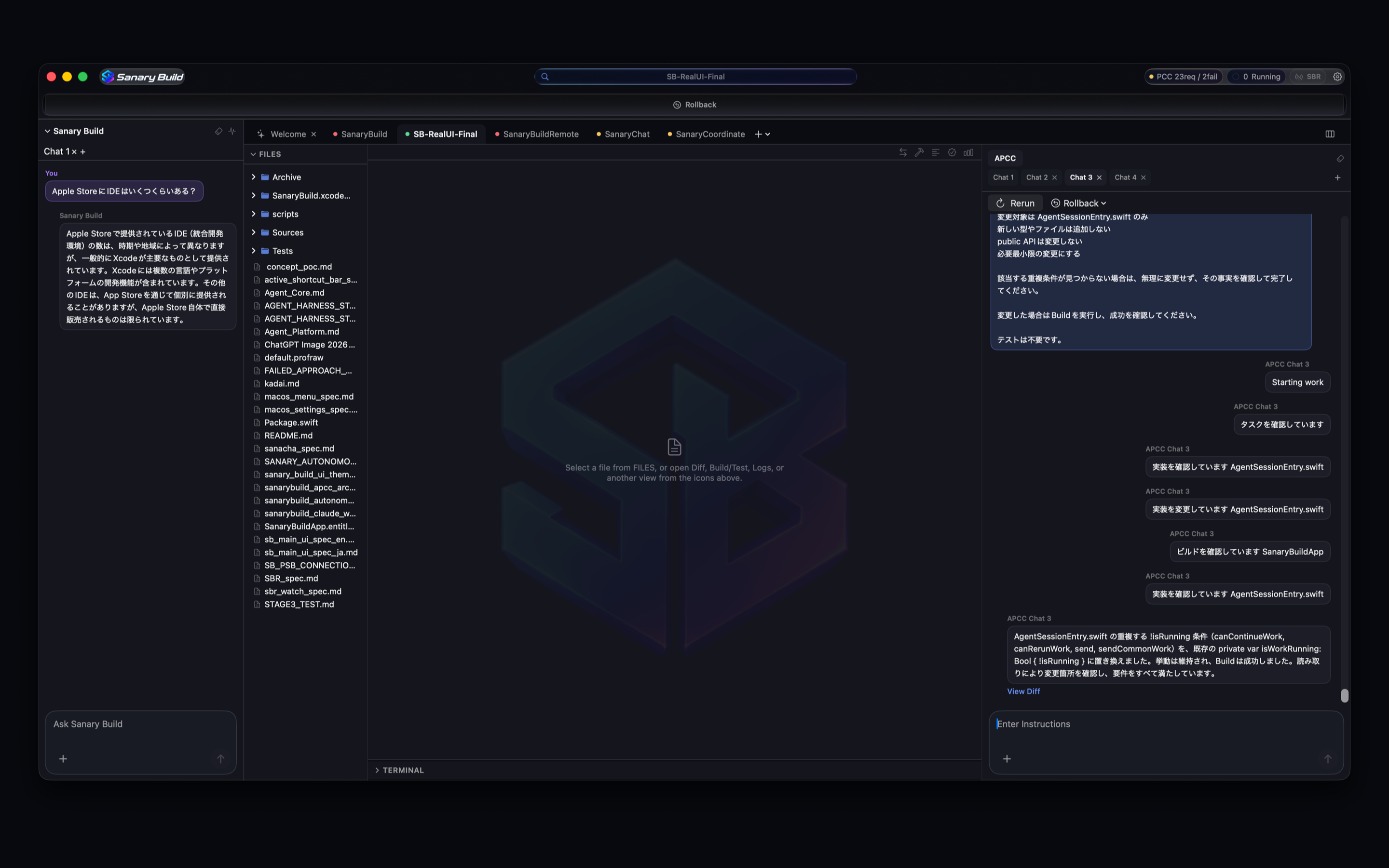
Review exactly what changed in a diff. Checkpoints and rollback let you return to an earlier state when needed.
APCC · ADAPTIVE PRODUCTION CREATOR CORE
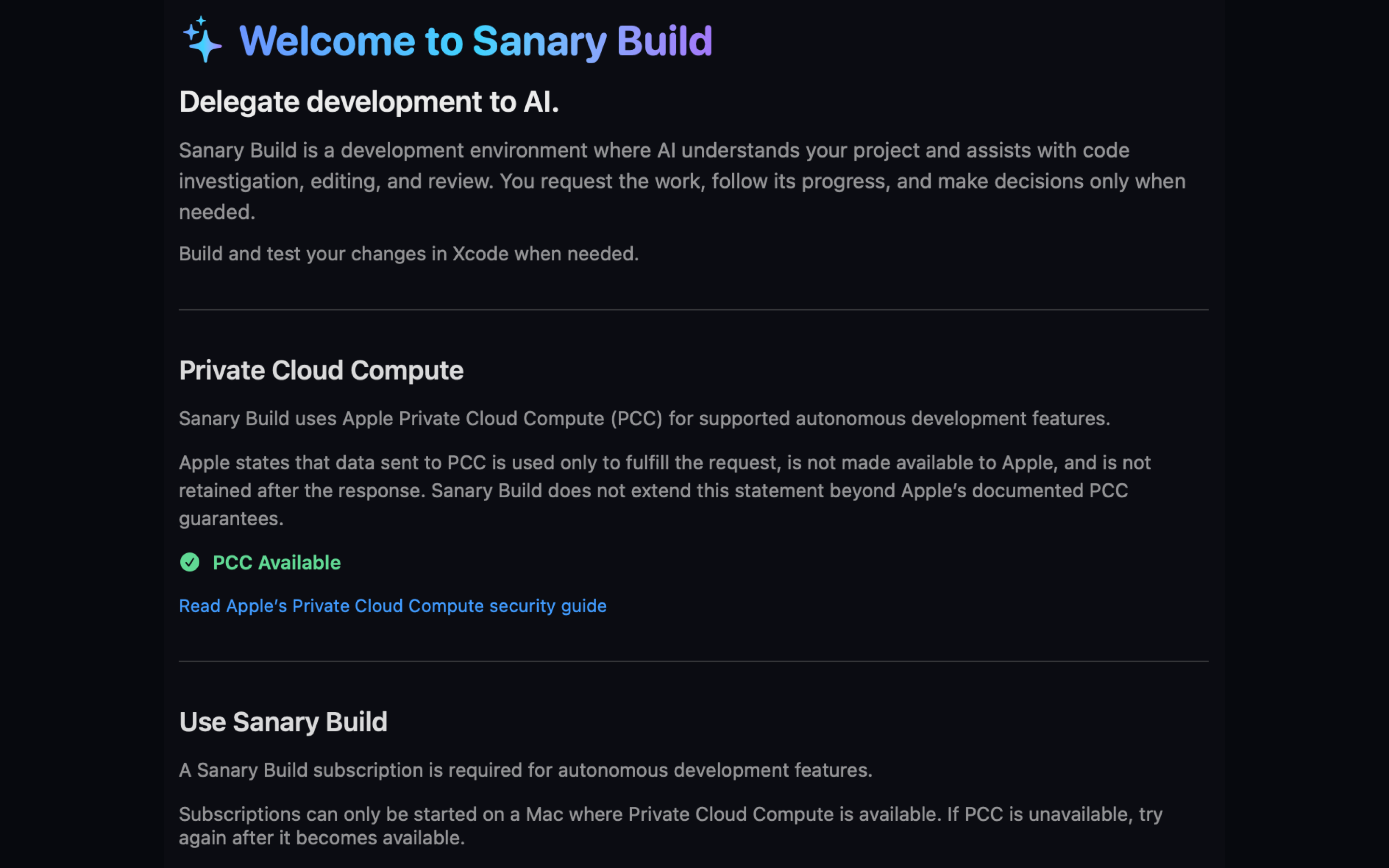
APCC is the Sanary Build agent powered by Apple Private Cloud Compute (PCC). It investigates your workspace, reads and edits the files needed for your request, and works across multiple projects.
MADE FOR MAC
Sanary Build 1.0 focuses on investigating code, editing files, and reviewing changes. When verification needs an execution environment, continue in Xcode.
Scope of Sanary Build 1.0: The Mac App Store version does not provide its own Build, Test, shell-command, Git CLI, or general-purpose Terminal environment. Use Xcode for build and test verification.
LOCAL FIRST
Sanary does not collect or store your Sanary Build projects or source code on Sanary servers.
When you use an AI feature, project information, file contents, source code, and related data needed to perform your request may be processed by the AI service in use. “Local First” does not mean that no data is ever sent for AI processing.
EARLY ACCESS
Sanary Build's autonomous development features require a subscription and an environment where the app reports PCC Available. In-app purchase terms take precedence.