STEP 01 · REVIEW
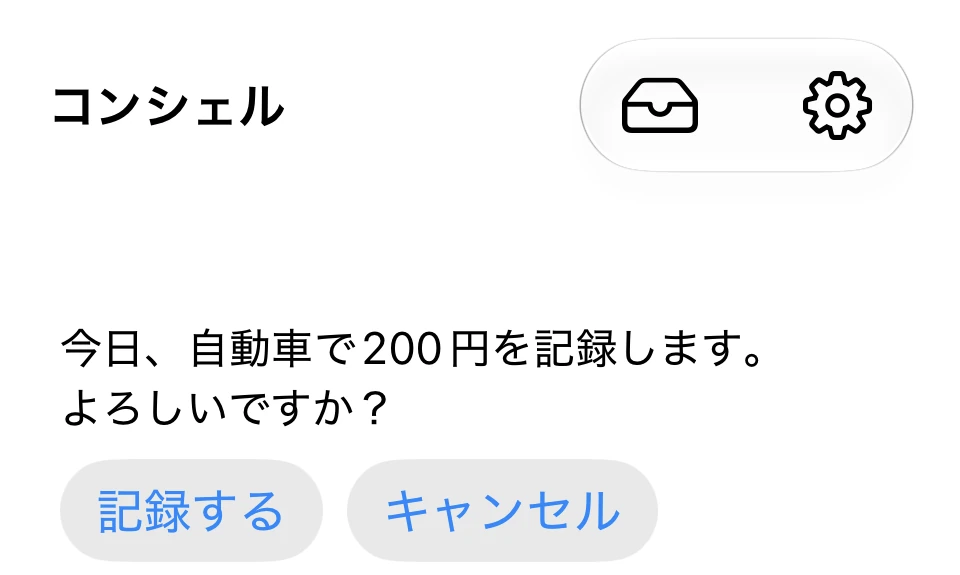
Review the details. Or cancel.
Check the amount and details, then choose “Record.” Choose “Cancel” if you do not want to continue.

SANARY HUB · CONCIERGE
Check the weather. Find a place. Get help requesting an expense record.
Little everyday tasks, all from one chat.
Currently in development. Screenshots show a development version. Features and design are subject to change.
Screenshots show the Japanese UI and information at the time of capture. Some views are cropped.
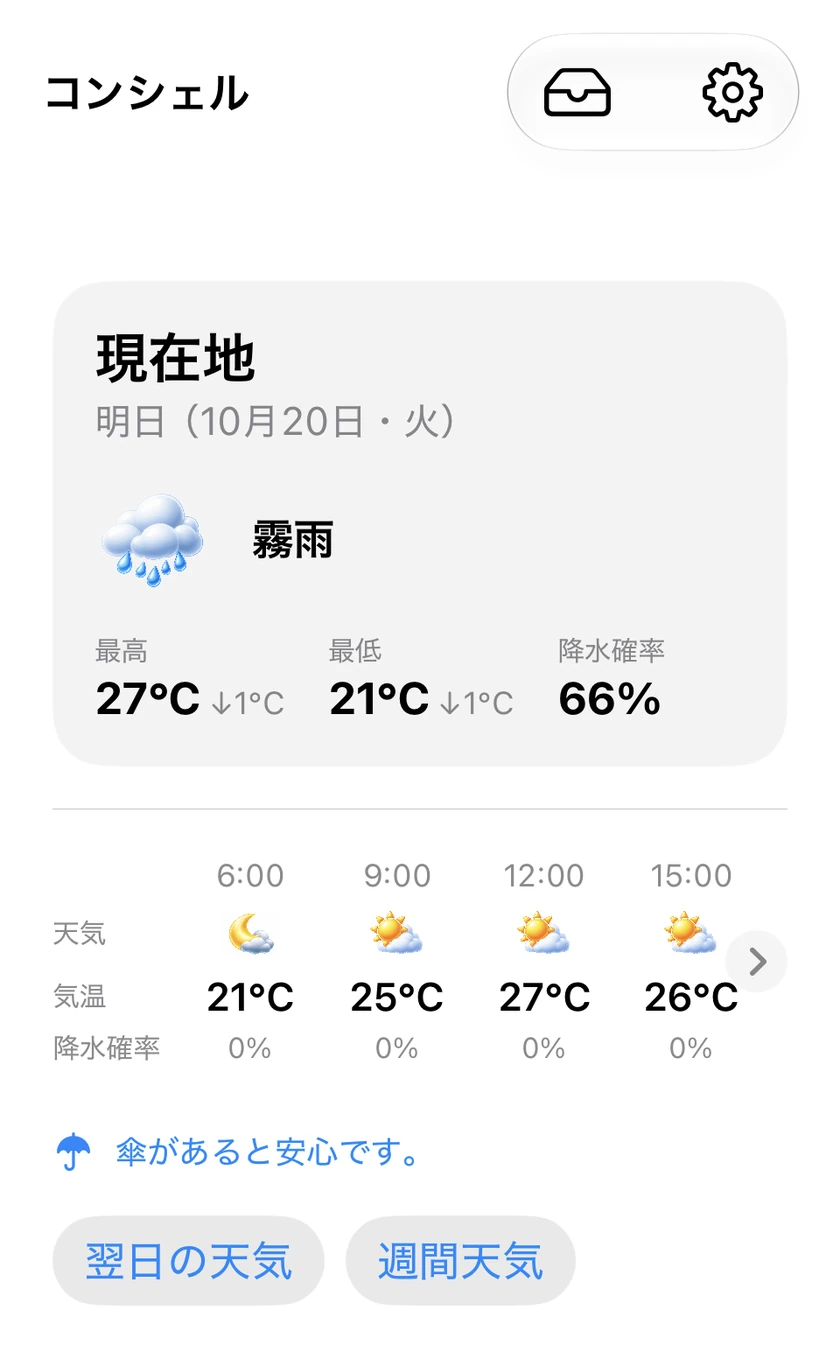
01 · WEATHER
“What’s the weather tomorrow?”
Find useful details for your plans, right in the chat.
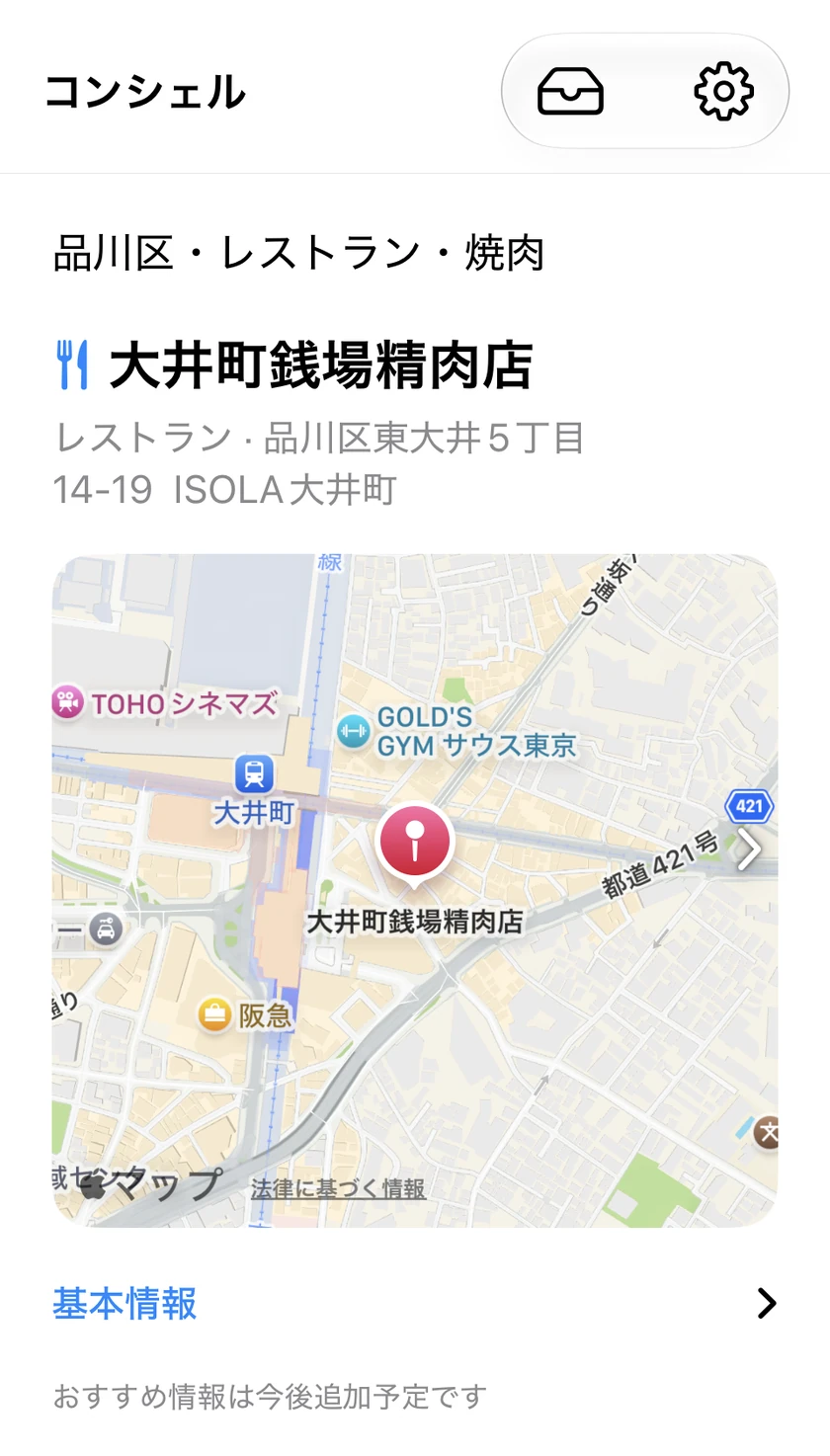
02 · FIND A PLACE
Search for restaurants and other places, then check the information and location.
Open the details when something catches your eye.
The screenshot is an example of place search. Place information is from the time of capture.
03 · WITH SANARY MONEY
Request an expense record in chat. Review the details before handing the request to Money.
STEP 01 · REVIEW
Check the amount and details, then choose “Record.” Choose “Cancel” if you do not want to continue.
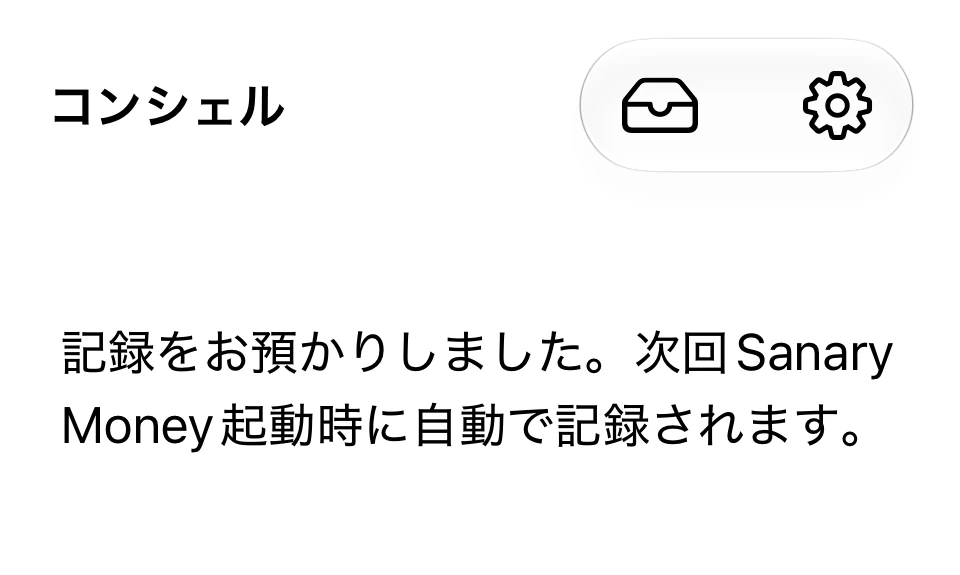
STEP 02 · HAND OFF
After the request is accepted, it is applied the next time Money opens. At this stage, the request is being held for Money.
MORE EVERYDAY POSSIBILITIES
Today’s tasks. Those little things on your mind.
We’re adding more ways to help with everyday life, one feature at a time.
New features will be introduced as they become ready. Additional features and a release date have not been finalized.
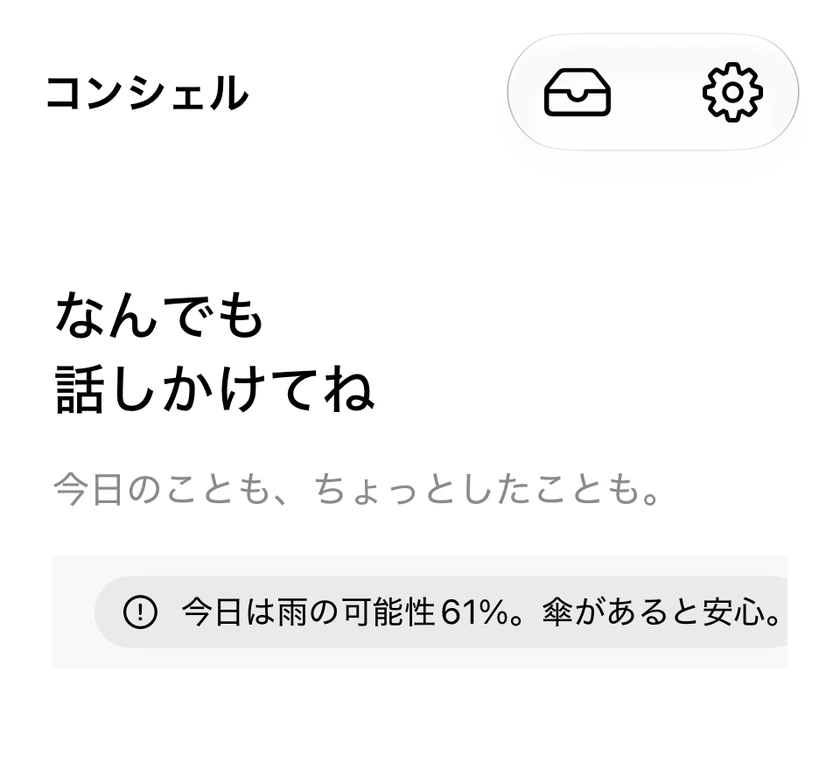
Currently in development. Screenshots show a development version. Features and design are subject to change.