 SBR - SB RemoteSanary Dev · Sanary Build Remote
Your development status,
at a glance.
A viewer for Workspace, Agent, and Judge status in your Sanary Build environment. Check your Mac from an iPhone on the same LAN, or follow development on the same Mac from its menu bar.
01 / WORKSPACE · AGENT · JUDGE
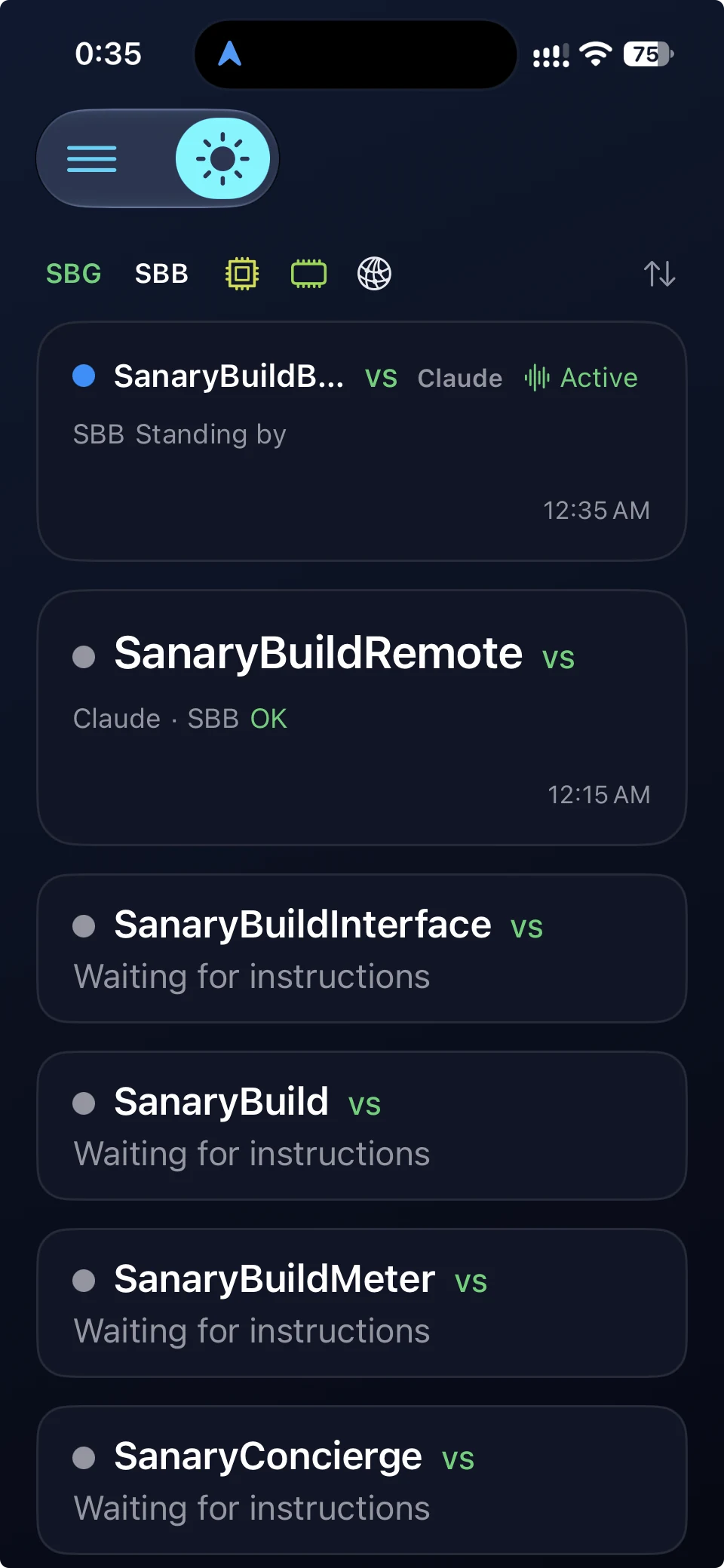
See what's happening now.
See which workspace an Agent is working in, which is waiting, and the Judge results received from SBB. Follow the same development status on iPhone or Mac.
Your development tools run the work and make the judgments. SBR shows their status.
02 / IPHONE
Step away from your Mac,
not your workflow.
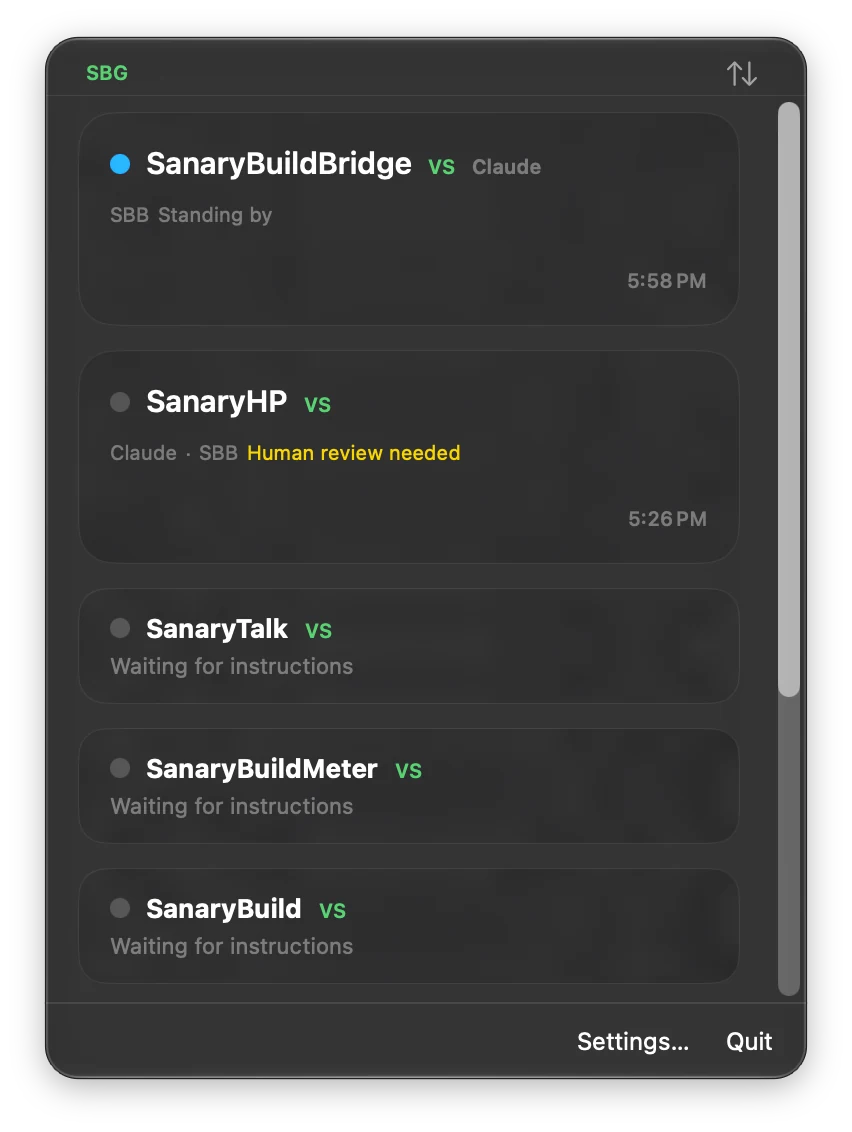
Connect your iPhone and Mac to the same LAN and enable Remote Access in SBB on the Mac. Pair by QR code or manual entry, then approve the device on your Mac to view its status.
The connection stays within the same local network. Access over the internet or a cellular connection is not supported.
Keep Screen On can prevent your iPhone from auto-locking while the status screen is visible.
03 / MAC
Right from
your menu bar.
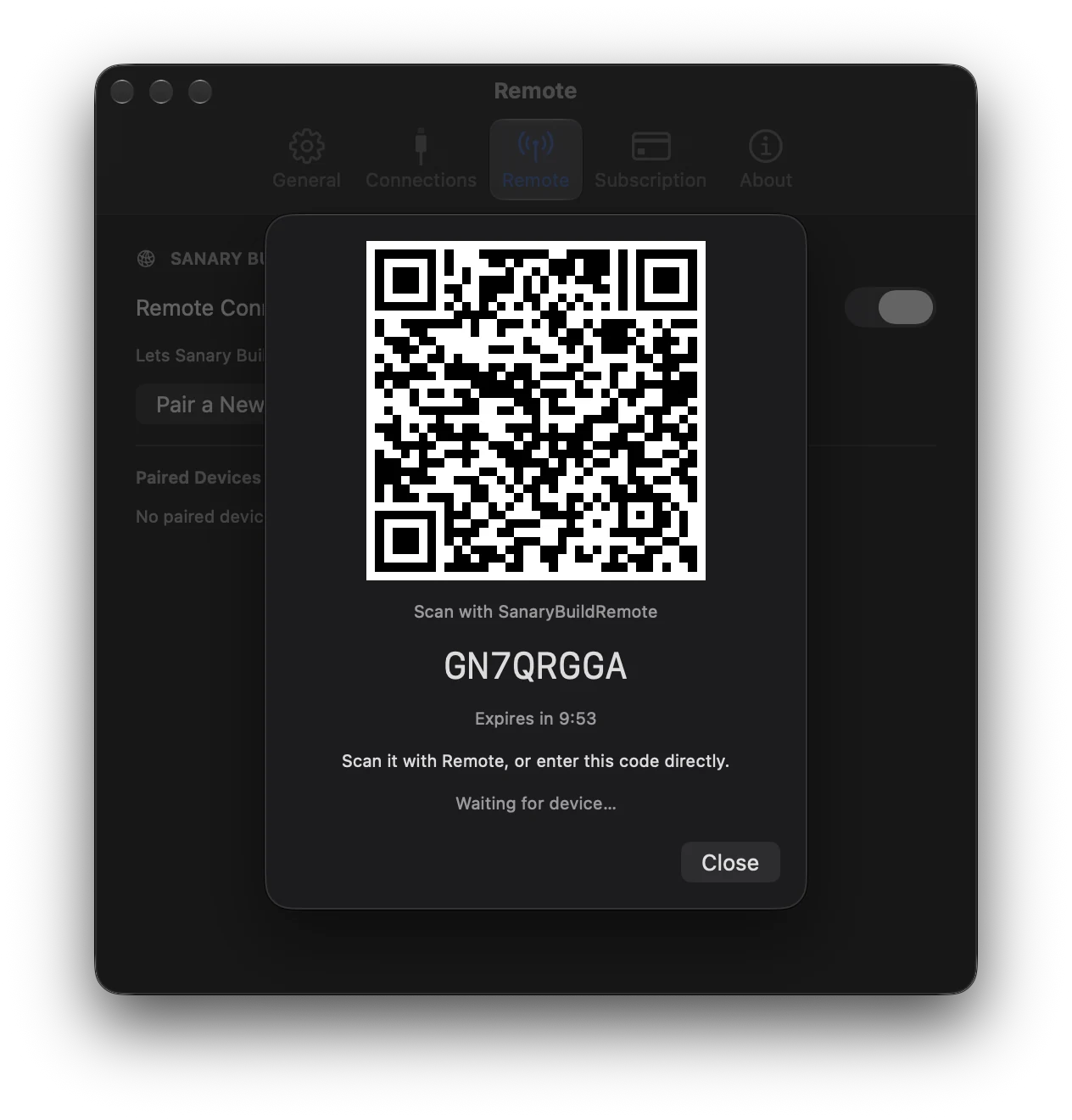
Connect to SBG on the same Mac through localhost, with no pairing. View Workspace, Agent, and Judge status from the menu bar, and optionally launch SBR when you log in.
Select a card to bring its corresponding Xcode or VS Code app to the front with IDE Focus.
IDE Focus brings the app forward; it does not guarantee selection of a particular workspace window.
ALSO ON IPHONE
Keep an eye on your Mac, too.
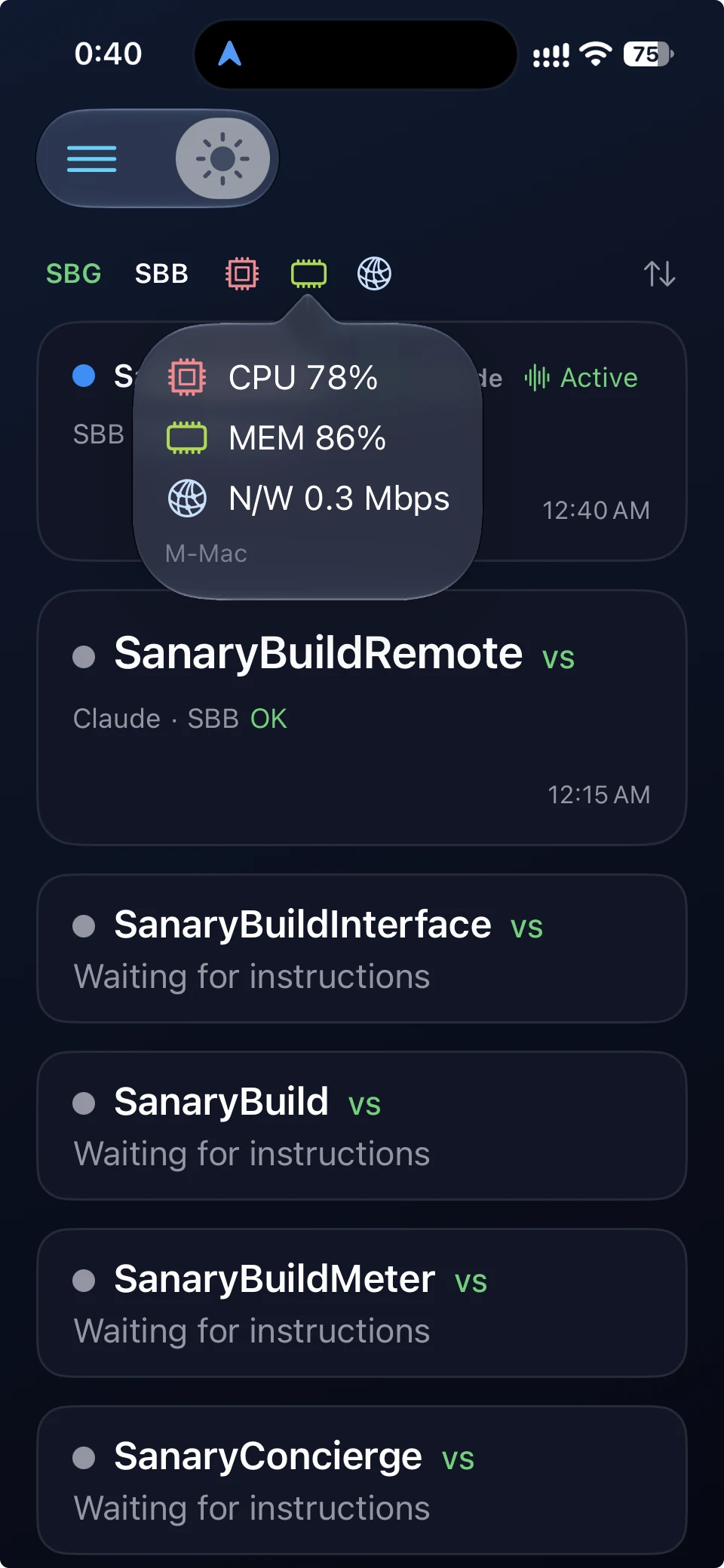
On iPhone, view SBB status and CPU, memory, and network readings supplied by SBM through SBG. SBR displays the received values; it does not measure them.
SBR - SB REMOTE
Connect. View your status.
iPhone
- Same LAN
- Pair
- Mac approves
- View
Mac
- Same Mac
- Local connection
- View
No external relay is used. Visit Support for connection guides and settings.